How to Build a Simple AI-Powered Chatbot with Next.js and Claude
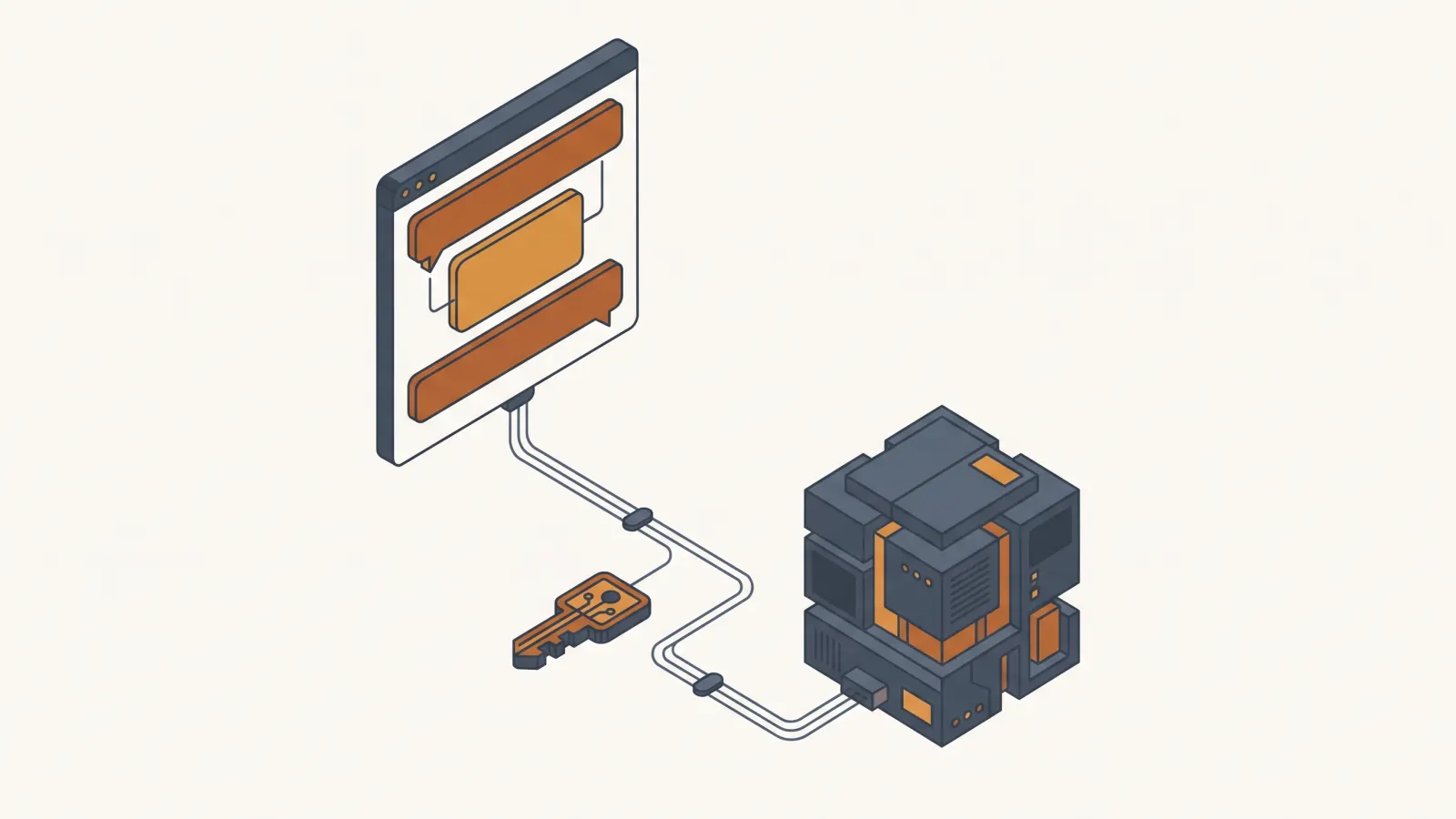
You build an AI chatbot with Next.js and Claude from two files: an App Router route handler that calls streamText from the Vercel AI SDK, and a client component that renders the stream with useChat. This version uses Next.js 16.4, AI SDK 7, and Claude Opus 5.5. Every file below type-checks and passes next build as of October 7, 2026.
The Challenge
The 2024 version of this post used the OpenAI SDK and a hand-written fetch loop. Both are out of date. AI SDK 7 renamed system to instructions, dropped Node 20, and replaced result.toUIMessageStreamResponse() with two standalone helpers. Next.js 16 turned on Cache Components, which fails the build on the default useChat call. You want code you copy once and run, with the model, the cost, and the security tradeoffs stated up front.
What You Will Learn
Scaffold a Next.js 16 app on Node 22 or later and install ai, @ai-sdk/anthropic, and @ai-sdk/react.
Put ANTHROPIC_API_KEY in .env.local. The key only ever runs on the server.
Write app/api/chat/route.ts: streamText with the Anthropic provider, then createUIMessageStreamResponse.
Write app/page.tsx: useChat with a fixed id, render message.parts, wire send, stop, and retry.
Run next dev, send a message, and watch tokens stream. Then cap history, set effort, and plan rate limiting before you ship.
Follow Along
Step 1: Scaffold the project and install three packages
You need Node.js 22 or later. AI SDK 7 sets "engines": { "node": ">=22" } in its package.json and dropped support for Node 18 and 20. I verified this build on Node 22.23.1.
Create the app with Tailwind and the App Router, then add the AI SDK packages:
npx create-next-app@latest claude-chat --ts --tailwind --eslint --app
cd claude-chat
npm install ai @ai-sdk/anthropic @ai-sdk/react
Versions this post was tested against on October 7, 2026:
next16.4.0react19.3.0ai7.0.131@ai-sdk/anthropic4.0.75@ai-sdk/react4.0.134zod4.6.5 (pulled in as a peer dependency, you do not import it here)
All three AI SDK packages are ESM-only in version 7. If you have an older require() based config somewhere, convert it to import first.
Step 2: Put the API key where the browser cannot see it
Create an API key in the Claude Console, then add it to .env.local at the project root:
ANTHROPIC_API_KEY=sk-ant-...
The @ai-sdk/anthropic provider reads ANTHROPIC_API_KEY from the environment by default, so you never pass the key in code. Two rules keep it private:
- Never prefix it with
NEXT_PUBLIC_. Next.js inlines anyNEXT_PUBLIC_variable into the client bundle. - Only import
@ai-sdk/anthropicfrom server code. In this tutorial the only import lives in the route handler. The page component imports@ai-sdk/reactandai, neither of which touches the key.
Add .env.local to .gitignore if create-next-app did not already do it. On Vercel, set the same variable under Project Settings, Environment Variables, and leave it unchecked for the client.
Step 3: Write the route handler
Create app/api/chat/route.ts. This is the only file that talks to Anthropic.
import { anthropic } from '@ai-sdk/anthropic';
import {
  convertToModelMessages,
  createUIMessageStreamResponse,
  streamText,
  toUIMessageStream,
  type UIMessage,
} from 'ai';

// One place to change the model. See the FAQ for the cost of each option.
const MODEL = 'claude-opus-5-5';

// Only the last N messages go to the model. Caps input tokens per request.
const MAX_HISTORY = 20;

// Allow streaming responses up to 30 seconds on Vercel.
export const maxDuration = 30;

export async function POST(req: Request) {
  const { messages }: { messages: UIMessage[] } = await req.json();

  const result = streamText({
    model: anthropic(MODEL),
    instructions:
      'You are a concise assistant for a small business website. ' +
      'Answer in plain language. If you do not know, say so.',
    messages: await convertToModelMessages(messages.slice(-MAX_HISTORY)),
    maxOutputTokens: 1024,
    // Stops the Anthropic request when the browser aborts the fetch.
    abortSignal: req.signal,
    providerOptions: {
      anthropic: {
        // Chat does not need deep reasoning. 'low' cuts latency and output tokens.
        effort: 'low',
        // If Claude's safety classifiers decline a request, Anthropic re-runs it
        // on a fallback model inside the same call. The provider adds the beta header.
        fallbacks: 'default',
      },
    },
    onError: ({ error }) => {
      console.error('[chat] stream error', error);
    },
  });

  return createUIMessageStreamResponse({
    stream: toUIMessageStream({
      stream: result.stream,
      // The client sees this string instead of the raw error.
      onError: () => 'The assistant is unavailable right now. Try again in a moment.',
    }),
  });
}
What each piece does:
anthropic(MODEL)builds the model reference.claude-opus-5-5is the current Opus model. The FAQ covers swapping to Sonnet or Haiku.instructionsis the system prompt. AI SDK 7 renamed it fromsystem. The old name still works with a deprecation warning. Version 7 also rejectsrole: "system"entries insidemessagesby default, so if you persist chat history, keep system text out of it.convertToModelMessagesstrips UI metadata from theUIMessage[]the client sends and returns theModelMessage[]shape the model expects. It is async in version 6 and later, so await it.messages.slice(-MAX_HISTORY)bounds input tokens. Without it, a long session re-sends the whole transcript on every turn and your cost grows with conversation length.maxOutputTokens: 1024caps the reply. Raise it if your use case needs long answers.abortSignal: req.signalcancels the Anthropic request when the user clicks Stop. Without it the server keeps generating tokens you pay for and nobody reads.effort: "low"tells Claude to spend fewer thinking tokens. Opus 5.5 defaults tomedium. A website chat widget rarely needs more thanlow, and the difference shows up in both latency and output cost.fallbacks: "default"opts into Anthropic server-side refusal fallbacks. If a safety classifier declines a request, the API re-runs it on a fallback model in the same call. The provider adds the required beta header for you.toUIMessageStreampluscreateUIMessageStreamResponsereplace theresult.toUIMessageStreamResponse()method from version 6. The old method still works in 7 with a warning and is scheduled for removal in the next major.- The
onErrorontoUIMessageStreamcontrols what text the browser sees. The SDK masks errors by default and sends the literal string "An error occurred." Return your own string there. TheonErroronstreamTextis for server logs only. maxDuration = 30lets a Vercel function stream for up to 30 seconds. Other hosts ignore it.
Step 4: Write the chat UI
Replace app/page.tsx with a client component. useChat owns the message list, the request lifecycle, and the abort controller.
'use client';

import { useChat } from '@ai-sdk/react';
import { DefaultChatTransport } from 'ai';
import { useState } from 'react';

export default function Chat() {
  const [input, setInput] = useState('');
  const { messages, sendMessage, status, stop, error, regenerate } = useChat({
    // A fixed id keeps the prerender deterministic under Next.js Cache Components.
    id: 'site-chat',
    transport: new DefaultChatTransport({ api: '/api/chat' }),
  });

  const busy = status === 'submitted' || status === 'streaming';

  return (
    <main className="mx-auto flex min-h-screen w-full max-w-2xl flex-col gap-4 p-6">
      <h1 className="text-xl font-semibold">Ask us anything</h1>

      <div className="flex flex-1 flex-col gap-3">
        {messages.map((message) => (
          <div
            key={message.id}
            className={
              message.role === 'user'
                ? 'self-end rounded-lg bg-blue-600 px-3 py-2 text-white'
                : 'self-start rounded-lg bg-gray-100 px-3 py-2 text-gray-900'
            }
          >
            {message.parts.map((part, index) =>
              part.type === 'text' ? (
                <p key={`${message.id}-${index}`} className="whitespace-pre-wrap">
                  {part.text}
                </p>
              ) : null,
            )}
          </div>
        ))}

        {status === 'submitted' && (
          <p className="text-sm text-gray-500">Thinking...</p>
        )}

        {error && (
          <div className="rounded-lg border border-red-300 bg-red-50 p-3 text-sm text-red-800">
            <p>{error.message}</p>
            <button
              type="button"
              onClick={() => regenerate()}
              className="mt-2 underline"
            >
              Retry
            </button>
          </div>
        )}
      </div>

      <form
        onSubmit={(event) => {
          event.preventDefault();
          const text = input.trim();
          if (!text || busy) return;
          sendMessage({ text });
          setInput('');
        }}
        className="flex gap-2"
      >
        <input
          value={input}
          onChange={(event) => setInput(event.target.value)}
          placeholder="Type a question"
          className="flex-1 rounded-lg border border-gray-300 px-3 py-2"
          disabled={busy}
        />
        {busy ? (
          <button
            type="button"
            onClick={() => stop()}
            className="rounded-lg border border-gray-300 px-4 py-2"
          >
            Stop
          </button>
        ) : (
          <button
            type="submit"
            className="rounded-lg bg-blue-600 px-4 py-2 text-white disabled:opacity-50"
            disabled={!input.trim()}
          >
            Send
          </button>
        )}
      </form>
    </main>
  );
}
Notes on the parts people trip on:
message.partsreplacedmessage.contentin AI SDK 5. A message is an array of typed parts. This UI renders onlytextparts. If you add tools later, you rendertool-*parts in the sameswitch.statusis one ofsubmitted,streaming,ready, orerror. The form disables itself while busy and swaps the Send button for Stop.stop()aborts the fetch. Combined withabortSignalin the route handler, the Anthropic request ends too.errorandregenerate()give you a retry path. The message you see inerror.messageis the string your server returned fromonError.id: "site-chat"is required when Cache Components are on. create-next-app for Next.js 16.4 writescacheComponents: trueintonext.config.ts. Without it,useChatgenerates a random chat id during server-side prerender, andnext buildfails with "Next.js encountered the unstable value Math.random() in a Client Component." A fixed id makes the prerender deterministic. Wrapping the component inSuspenseis the other documented fix.DefaultChatTransportis where you add headers or extra body fields later, for example a session id for rate limiting.
Step 5: Run it and confirm the stream
npm run dev
Open http://localhost:3000, type a question, and watch the reply arrive token by token. Three checks worth doing before you move on:
- Open the Network tab and look at the
/api/chatresponse. It should be a streamed response with content typetext/event-stream, and you should see the chunks arrive over time rather than one blob. - Click Stop mid-response. The stream ends and the server log shows no further output.
- Set
ANTHROPIC_API_KEYto a bad value and send a message. The browser shows youronErrorstring, and the Retry button callsregenerate().
To confirm the type contract without a key, run npx tsc --noEmit and npm run build. Both passed on the exact versions listed in Step 1.
Step 6: What to add before this goes on a real site
The two files above are a complete chatbot. They are not a complete product. Four things to add, in order:
- Rate limiting. Anyone who finds
/api/chatcan call it with your key behind it. Put a per-IP or per-session limit in front of the route. Upstash Ratelimit works on serverless hosts without a persistent connection. - A real system prompt. The
instructionsstring above is a placeholder. Write down what the bot does, what it refuses, and how it hands off to a human. Keep it stable so Anthropic prompt caching has a prefix to reuse. - Logging. Log
result.usageon the server so you see tokens per conversation. That number, times the prices in the FAQ, is your bill. - Your own data. This bot answers from Claude general knowledge. It does not know your hours, your pricing, or your policies. For that you need retrieval over your documents. RAG agents vs. FAQ chatbots explains the difference, and the RAG agents service page covers what a build looks like.
If you would rather have this scoped and built for your business, book a $350 AI strategy session. The fee is credited in full toward a build.
Outcome & Impact
0
Files you write
One route handler, one client component. Plus one line in .env.local.
Oct 7, 2026
Verified build
tsc --noEmit and next build pass on Next.js 16.4.0, ai 7.0.131, Node 22.23.1.
Under 1 hour
Time to a streaming reply
From an empty directory to a working chat on localhost, API key in hand.
Get AI Insights Delivered
Join our newsletter for case studies, tutorials, and automation strategies.
Additional Benefits
Streaming from the first message
Replies render token by token with stop and retry wired in.
One line to change the model
Swap Opus for Sonnet or Haiku by editing the MODEL constant.
Key stays on the server
The browser never sees ANTHROPIC_API_KEY. Only the route handler reads it.
Ready to Transform Your Business with JY Labs?
We help businesses and founders turn AI ideas into reality: fast, secure, and production-ready. From chatbots to custom automation, our team delivers results you can trust.
Never Miss a Tutorial
Get the latest AI automation insights and case studies delivered to your inbox.